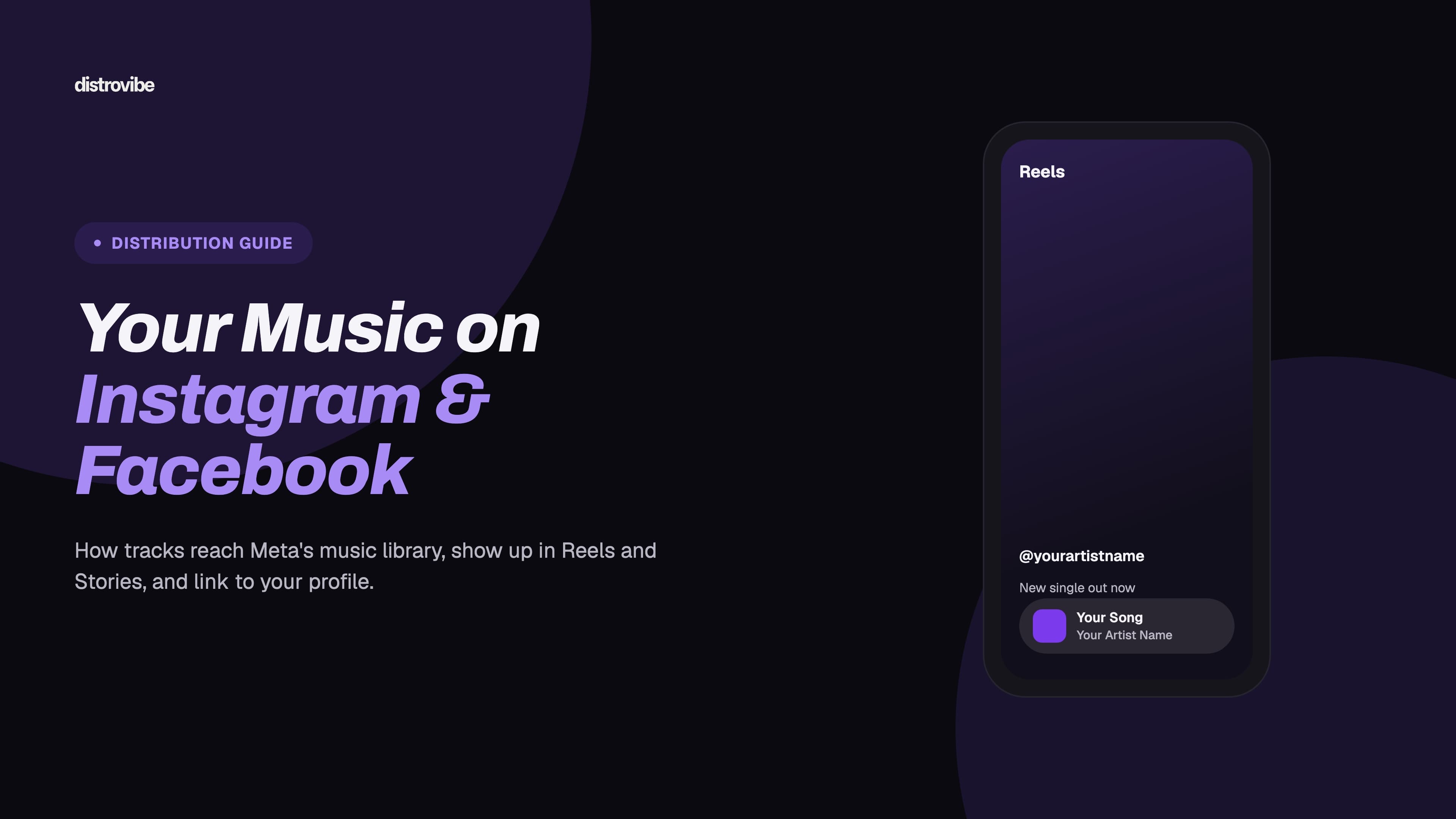
To get your music on Instagram and Facebook, you release it through a music distributor that delivers to Meta. You cannot upload a song straight into Instagram's music library yourself. The distributor sends your audio and metadata to Meta, and once Meta processes it, anyone in a supported region can find your track and add it to Reels, Stories, Notes and Facebook videos.
This guide covers how that delivery works, how to set it up with DistroVibe, how fans use your song once it's live, how to link the track to your artist profile, what you can realistically earn, how Rights Manager claims affect your own videos, and why a song sometimes doesn't show up in the app.
Key takeaways
Instagram and Facebook share one licensed music library that independent artists reach through a music distributor.
DistroVibe delivers to Instagram and Facebook (Meta) on every plan, from $1.99/month with unlimited releases.
Meta does not publish a per-use or per-view rate, so Meta income is usually small and discovery is the bigger benefit.
Instagram business accounts may get only a limited music selection, which is a common reason a song seems missing.
How Meta's music library works (and why you need a distributor)
Instagram and Facebook share one licensed music catalog. Meta builds it from licensing deals with record labels, publishers and music distributors. Independent artists get in through the distributor route: your distributor already has a delivery agreement with Meta, so your release reaches the library the same way a major-label song does.
Three things follow from that:
There is no "upload to Instagram music" button. Posting a Reel with your song as original audio is not the same as having it in the library. Original audio is tied to that one post and won't show up properly in music search.
Your metadata is what fans see. The track title, artist name and artwork in the Instagram music picker come straight from your release. A typo in your distributor form will show up in every Story sticker.
Meta sets the rules on availability. Your distributor delivers the track. Meta then decides where and to which account types the licensed library is offered.
Step by step: getting your song on Instagram and Facebook with DistroVibe
On DistroVibe, Instagram and Facebook are part of the normal store list on every plan. A release goes out to Spotify, Apple Music, TikTok and the other platforms at the same time as Meta.
Create your account and pick a plan. The Artist plan ($1.99/month or $19.99/year) includes unlimited releases to 450+ stores, and you keep 100% of your streaming royalties. Regional purchasing-parity discounts may lower the price where you live.
Prepare your files. You need a final master in a lossless format and square cover art. Make sure the artwork doesn't break store guidelines, because Instagram shows your cover in the music picker and on Story stickers.
Enter clean metadata. Spell your artist name exactly as it appears on your other releases and your social profiles. Add featured artists in the correct fields, not in the title. If this is your first release, our metadata checklist covers the details that cause most mismatches.
Keep Instagram and Facebook selected in your store list. They're delivered as Meta. If you're choosing stores by hand, check that Meta is on.
Review Additional Delivery options. In the release schedule step, DistroVibe lists opt-in services, including Meta Rights Manager for fingerprint-based protection on Facebook and Instagram. It's on by default. It isn't available for releases with AI-assisted tracks. More on what it does below.
Set a release date with some buffer. Standard review on DistroVibe takes 5–7 days. Artist Pro includes an Express Fast-Lane review of 24–48 hours. After review, each store processes the release on its own schedule. Leaving a few weeks before release day gives every platform, Meta included, time to go live together.
Check the app on release day. Open Instagram, start a Reel or Story, and search for your song title plus your artist name. If it isn't there yet, see the troubleshooting section below before you open a ticket.
Every release gets an ISRC for each track and a UPC for the release. Meta uses these codes, like other platforms do, to identify your recording and report usage. If those terms are new, read what an ISRC code is.
If your files are ready, you can pick a DistroVibe plan for your next release.
How fans use your track in Reels, Stories and Notes
Once your song is in the library, you don't need to do anything technical for people to use it. You do need to make it easy for them to find, and to show them how by using it yourself.
Add your song to Instagram Reels
In Reels, a creator taps the audio icon, searches for a song, picks the section they want on the timeline and records or edits over it. Every Reel that uses your track links back to an audio page that lists all the Reels using that sound. That page is how a song spreads on Instagram: someone sees a Reel, taps the audio and makes their own.
Tips that help:
Post the first Reels yourself. Use the library version of your song, not a re-uploaded file, so your posts count toward the official audio page.
Choose a hook moment. Instagram lets users pick any section, but most people start where your own Reels start. Lead with the 10–20 seconds you want people to remember.
Give people a reason to use it. A simple prompt, trend or format ("show your view to this song") does more than "use my sound."
Music on Instagram Stories
In Stories, users add a Music sticker from the sticker tray, search for your song and choose the part to play. The sticker can show your artwork, the lyrics where available, or just the title and artist. Fans who see the sticker can tap it to see the song details. Ask your fans to share a Story with your track in release week and reshare the ones you're tagged in.
Notes and profile music
Instagram Notes, the short status messages shown above the inbox, can also carry a song clip. Instagram has a feature for adding a song to your profile, too. Both features pull from the same licensed library, so they work for your track once it's live. Like the rest of Instagram's music features, they may not be offered for every account type or region. Instagram's help article on adding music to your profile has the current steps.
Facebook videos and Reels
On Facebook, people can add licensed music to Reels, Stories and videos in a similar way. Meta's Music Guidelines apply on both apps. They warn that videos where recorded music is the main point (for example, a full song over a still image) are more likely to be limited, and that shorter clips are safer. Keep that in mind for your own posts: put real visuals over the music.
Linking your track to your Instagram and Facebook artist profile
Many artists want the artist name on their song's audio page to link to their own Instagram profile, so anyone who taps the sound can follow them. That link isn't created by default for every release. It depends on Meta matching your track to the right account.
We couldn't find a self-serve form for this in Meta's public help docs as of October 2026. In practice, the link is requested through your distributor, which passes the mapping to Meta. On DistroVibe:
Wait until the release is live in the Instagram music library.
In your dashboard, open a new support ticket and choose the Instagram and Facebook Song Mapping category.
Pick the release. DistroVibe includes its UPC and ISRC in the request for you.
Add your Instagram username, your Facebook artist Page URL, or both, plus a screenshot of the song in the music picker if you have one.
A few things make the match more likely to go through:
Use a professional account. A Creator account is usually the best fit for musicians (see the account-type note below).
Keep your names consistent. If the release says "Lunah" and your profile says "Luna Music Official," a reviewer has more to check.
Be patient. Mapping is handled on Meta's side and can take a while. Meta decides whether and when the link appears. No distributor can guarantee it.
How monetization works on Instagram and Facebook
This is the part most guides oversell. Here's what holds up.
You earn as a rights holder, not per view. Meta pays licensing revenue to rights holders whose music is used on its platforms. As a DistroVibe artist, that money comes to you through your distributor and shows up in your royalty reports with your other stores. Meta doesn't publish a per-use or per-view rate for independent artists, and the payments you see depend on how Meta reports usage for each period. Treat Meta income as a bonus on top of streaming, not as a main revenue line. A song used in a few hundred Reels often earns very little directly.
The real value is often discovery. A track that catches on in Reels sends listeners to Spotify, Apple Music and YouTube, where you're paid per stream. Use a SmartLink in your bio so people who find you on Instagram can reach your song on their preferred platform in one tap.
Music Revenue Sharing is for video creators. Facebook's Music Revenue Sharing program lets eligible Facebook creators earn a share of in-stream ad revenue on qualifying videos that use licensed music. Meta's page puts the creator's share at 20%, with the rest going to rights holders and Meta. Videos need to be at least 60 seconds long, posted on a Facebook Page, and the creator has to meet in-stream ads eligibility. If you post videos on your own Facebook artist Page and meet those requirements, you may qualify as a creator too. Check Meta's current terms, because programs and thresholds change.
Rights Manager and claims on your own videos
Meta Rights Manager is Meta's matching system for audio, video and images. When your release goes through DistroVibe's Meta Rights Manager delivery, your audio is fingerprinted. Uploads on Facebook and Instagram that match it can then be managed: tracked, monetized where that's available, or blocked, depending on the rules applied.
This protects you against people re-uploading your full song. It can also hit your own posts by mistake, especially when:
You upload the WAV or MP3 directly into a Reel or video instead of picking the song from the music library.
Your label, a producer or a collaborator posts the song on their own Page.
Your account isn't linked to the release, so the system can't tell your post is yours.
How to avoid or fix this:
Use the library version of your song in your own Reels and Stories whenever you can. That's a licensed use, and it also feeds your official audio page.
Get your profile mapped using the song mapping request described above.
If one of your posts gets claimed or muted, open a DistroVibe support ticket with the post link and your release details, so the claim can be reviewed with the rights-management side. Don't dispute it blindly in the app, since you would be disputing your own claim.
Tell collaborators ahead of time to use the library track and tag you, rather than uploading the audio file.
Meta's Rights Manager offers allow lists so trusted accounts aren't flagged, but you only control them if you manage Rights Manager directly. For most independent artists, the distributor manages this.
Why your song doesn't show up on Instagram (and what to do)
"My song is out on Spotify but not on Instagram" is one of the most common distribution questions. Usually one of these is the cause.
The account searching for it is a business account
Instagram's help article on what audio you can use in a reel says the licensed music library may not be available for some account types. Business accounts often get a limited selection or royalty-free audio only, and boosted Reels can't use licensed music. If you're testing on a business account, switch to a Creator account or check from a personal account. Your fans will mostly be on personal accounts anyway.
The music library isn't offered in that region
Meta's licensed music isn't offered in every country, and some tracks are licensed in some regions and not others. If a friend abroad can find your song but you can't, region is the likely reason. Your distributor can't override Meta's regional availability.
It's too early
Meta processes deliveries on its own schedule, separate from Spotify or Apple Music. A song can appear on streaming services before Instagram, or the other way around. Give it some time after your release date before you assume something is wrong. Bigger pre-release buffers help.
Search terms or metadata don't match
Search for the exact title and artist name from your release. Special characters, alternate spellings, "feat." credits in the title, or a very common song title can bury your track. Try searching for your artist name alone and scrolling.
The release isn't eligible for Meta
Some content can't go into Meta's library or Rights Manager. Examples include tracks built on uncleared samples, non-exclusive beats, public-domain recordings or content you don't fully control. Meta Rights Manager delivery through DistroVibe isn't available for releases with AI-assisted tracks. If the release was approved for Meta and still isn't visible after a reasonable wait, contact support with your UPC.
Planning Instagram and TikTok together
TikTok works much the same way: your distributor delivers the track to TikTok's library, business accounts are limited to TikTok's Commercial Music Library, and linking the sound to your profile goes through a request. One DistroVibe release covers both, so plan your Reels and TikToks as one campaign. Our guide on how to upload music to TikTok walks through the TikTok side.
How to get started on DistroVibe
Getting your song onto Instagram and Facebook with DistroVibe takes six steps.
Create your account on the DistroVibe sign-up page, then enter the six-digit code DistroVibe emails you.
Pick a plan, billed monthly or yearly.
Upload your audio and artwork and enter clean metadata.
Choose your stores, with Meta selected.
Set your release date and submit for review.
Share a SmartLink in your bio once the release is live.
FAQ
No. Meta's licensed library is built from deals with labels and distributors. You can post your song as original audio on one Reel, but it won't be in music search for Stories, Notes or other users the same way.
It depends on your review time and on Meta's processing. DistroVibe's standard review takes 5–7 days (24–48 hours with Artist Pro's Express Fast-Lane). After that, Meta goes live on its own schedule, so plan a few weeks of buffer before release day.
Not per use in a way you can predict. Meta pays rights holders licensing revenue that reaches you through your distributor's royalty reports. Amounts vary, and Meta doesn't publish a per-use rate. For most independent artists, Meta income is small, and the bigger benefit is discovery.
No. Content ID is YouTube's system. On DistroVibe it's included on Artist Pro and above, not the base Artist plan. Meta has its own system, Rights Manager, offered as a separate Additional Delivery option.
Use the library version of the track in future posts, request song mapping so your account is linked, and open a support ticket with the post link so the claim can be reviewed.
Getting started
Getting on Instagram and Facebook takes no extra steps beyond a clean release: correct metadata, Meta selected as a store, enough time before release day, and a song mapping request once you're live. If you're ready to release, compare the plans on our pricing page and pick the one that fits. Every plan delivers to Instagram and Facebook along with the rest of the 450+ stores, and you can create your DistroVibe account today.