Here's something most artists don't realize until it's already confusing them: if your music has ever appeared on YouTube, in any form, chances are YouTube has already auto-generated a channel for you. It's called a Topic channel, it carries your artist name followed by "- Topic," and you don't control it. Understanding what that channel is, and how proper distribution eventually merges it into something you do control, is really the whole story of getting music onto YouTube Music correctly.
The Channel You Didn't Ask For
When your music becomes available on YouTube Music, whether through your own upload or a friend's, a label's, or a distributor's, YouTube's system automatically generates a "Topic" channel under your artist name. It auto-populates with your tracks, presented as simple static videos, and it exists whether you asked for it or not. You can't edit it, brand it, or post to it directly.
This is different from a personal YouTube channel you might create yourself and upload videos to. And it's different again from the official channel status that actually consolidates everything into one place. Three separate things, easy to mix up, and mixing them up is where most confusion about "getting on YouTube Music" starts.
Uploading Videos vs. Distributing an Official Release
You can upload a track to a personal YouTube channel yourself, as a regular video, a lyric video, a Short, or a visualizer, with no distributor involved at all. That's a legitimate way to get content on YouTube. But it's not the same as an official release on YouTube Music.
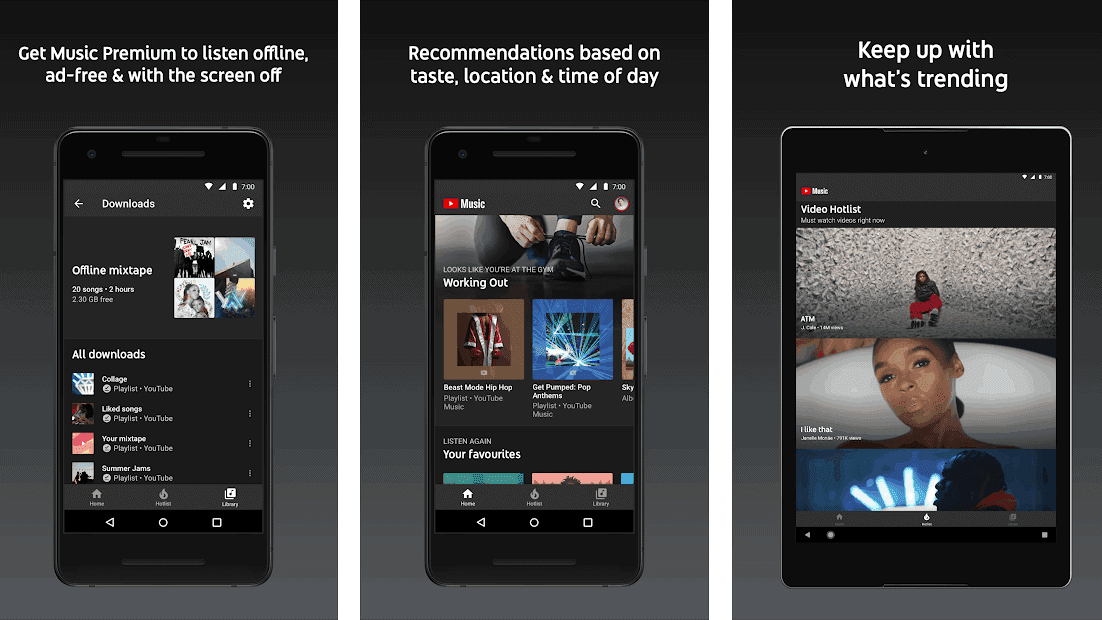
An official YouTube Music release, the kind that shows up in search, playlists, and the streaming app itself the way a Spotify or Apple Music release does, requires delivery through an approved distributor. When you distribute through Distrovibe, YouTube Music is included as a standard delivery destination alongside every other major DSP, and your release arrives as what YouTube calls an Art Track: a video combining your cover art with the audio, formatted specifically for the music ecosystem rather than as a regular upload.
This distinction matters because it determines eligibility for everything downstream, including Content ID protection and Official Artist Channel status, neither of which apply to a track you've only ever uploaded as a standalone video. If a release has more than one contributor, it's also worth having split payments set up before you distribute, since royalty questions get harder to untangle after a track is already live across platforms.
Content ID: A Separate System From Everything Else
Content ID is YouTube's automated system for scanning newly uploaded videos across the entire platform and matching them against a database of registered audio. When your distributor delivers a release with Content ID enabled, any video anyone else uploads using your track, whether it's a cover, a background track, or an unauthorized re-upload, gets automatically flagged, and you get to choose whether to track it, block it, or monetize it.
This runs independently of your Official Artist Channel status. You can have Content ID protection active on a release without an OAC, and getting an OAC doesn't automatically activate Content ID if your distributor hasn't set it up. Worth confirming both are actually enabled rather than assuming one implies the other.
Getting Your Official Artist Channel (OAC)
This is the step that actually merges your Topic channel, your personal channel, and (if you have one) a Vevo channel into a single verified profile, with a music note badge and consolidated subscriber count.
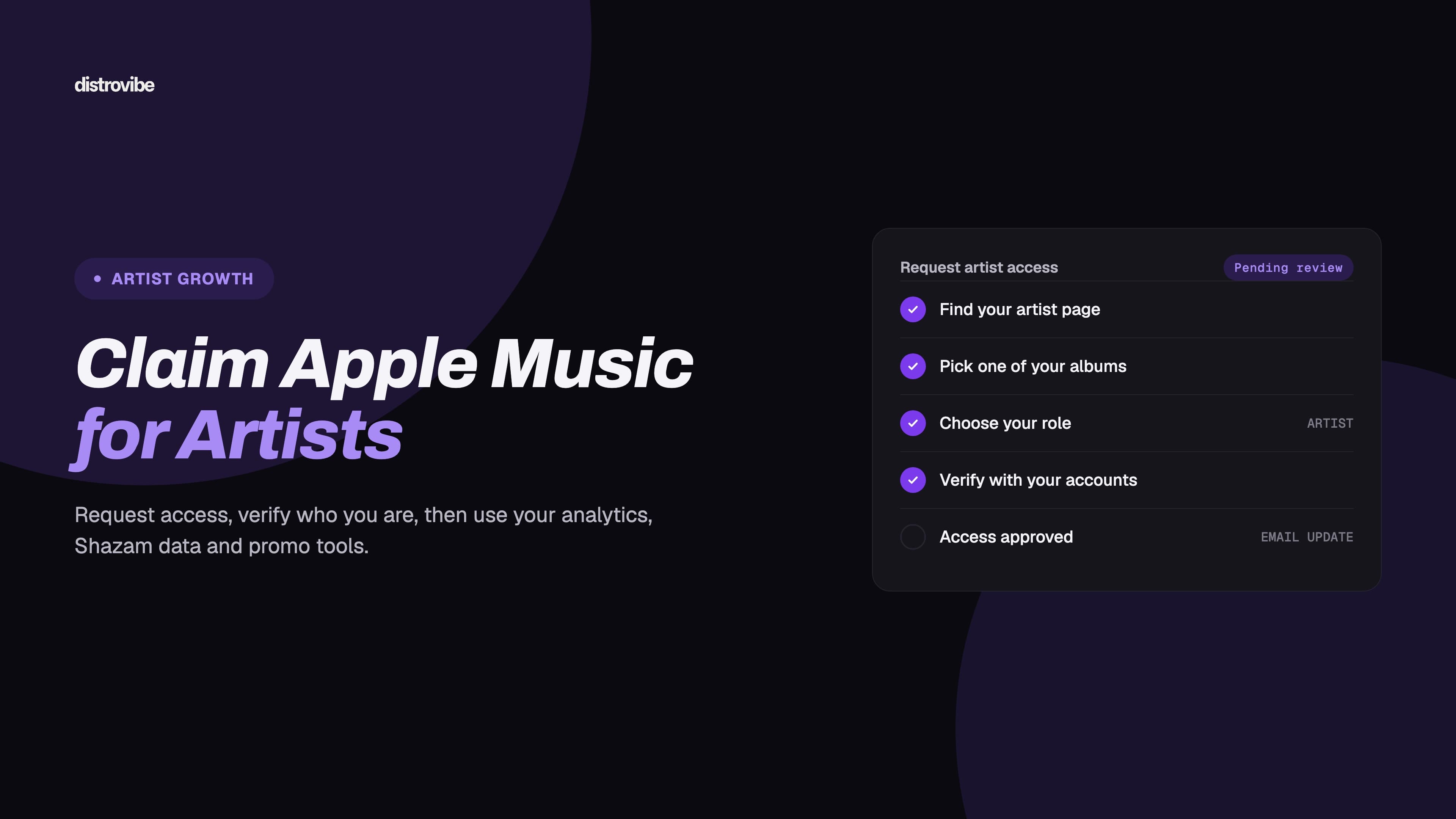
You cannot request this yourself. Per YouTube's own rules, OAC requests only come through labels, distributors, or approved Music Service Partners, which is why this happens through your distributor's dashboard rather than directly with YouTube.
What's typically required before requesting:
At least one official release live on YouTube Music through your distributor
A personal YouTube channel name that matches your artist name exactly, character for character
At least one public video on that channel, a music video, visualizer, or live session, showing the channel is active and represents you
Once submitted, approval commonly takes around four weeks. When it comes through, your scattered presence, the auto-generated Topic channel, your personal uploads, and any Vevo history, becomes one channel with unified subscribers and artist-specific tools.
Why This Matters More on YouTube Than Elsewhere
YouTube Music and Premium combined have passed 100 million subscribers globally, and YouTube's video-first discovery model behaves differently than a pure audio platform. This is especially true in markets like India, Latin America, and Southeast Asia, where video-first music discovery drives an enormous share of daily streams, often exceeding what audio-only platforms see in the same regions.
Practically, this means an artist whose audience or promotional strategy leans into those markets is leaving a disproportionate amount of reach on the table by treating YouTube Music as an afterthought behind Spotify and Apple Music. It's worth budgeting real attention here the same way you would for Amazon Music or Deezer, platforms with their own distinct audiences that are easy to under-prioritize by default.
Common Mistakes
Assuming a personal upload counts as an official release. It doesn't unlock Content ID, OAC eligibility, or placement the way a proper distributed release does.
Channel name mismatch. If your YouTube channel name doesn't exactly match the artist name in your distributed metadata, the OAC merge request gets rejected or delayed, since YouTube's matching process depends on that exact match.
Skipping the public video requirement. Without at least one visible public video on your personal channel, there's nothing for YouTube to confirm the channel is actually yours and active, which stalls the OAC request before it's even reviewed.
Treating Content ID and OAC as the same thing. They solve different problems, protecting your audio from unauthorized use versus consolidating your channel presence, and enabling one doesn't automatically enable the other.
The Bottom Line
YouTube Music distribution has an extra layer that platforms like Spotify don't: you're likely merging an identity YouTube already created for you automatically with one you actually control. Getting the distribution right, Art Track delivery through an approved distributor rather than a standalone upload, is what makes Content ID and OAC eligibility possible at all. From there, the channel name match and a single public video are the two small details most likely to stall an otherwise straightforward request.
Distrovibe includes YouTube Music as a standard platform in every release, delivered as a proper Art Track with Content ID enabled, so the harder half of this process, the part that determines whether you're even eligible for an Official Artist Channel, is handled the moment you distribute. You can see the full plan breakdown on our pricing page, or start distributing directly.